Your merch is more than a product — it’s a representation of your brand, your cause, and your community. The print-on-demand (POD) platform you choose to sell on shapes everything: your profit margins, your customer experience, and how much time you spend managing the backend instead of focusing on your audience. Get it right, and you’ve got a seamless way to deliver quality products people will love. Get it wrong, and you’re stuck dealing with unhappy customers, thin margins, and fulfillment headaches.
Bonfire and Printful are two platforms that come up a lot in the print-on-demand conversation. Both offer custom merch services — but they work very differently. Here’s what you need to know to choose the right one.
Bonfire vs. Printful At A Glance
Bonfire and Printful both offer print-on-demand and custom merch and services. However, the way they fulfill those orders and their purpose are a bit different. They serve fundamentally different purposes — and understanding that difference is the most important thing you can do before choosing one.
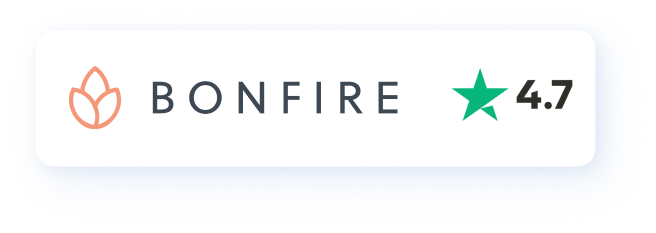
Bonfire is an all-in-one selling platform built for creators, nonprofits, and community-driven sellers. Your online store, custom merch, payments, fulfillment, and customer support all live in one place. No developers, no piecing together multiple tools. If you want to start selling merch without the technical headaches, Bonfire is perfect for you.
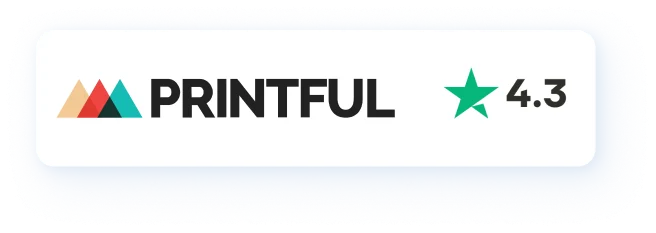
Printful is a fulfillment backend, not a selling platform. It handles printing and shipping — but you’re responsible for building your own store (typically on Shopify, Etsy, or Wix), managing payments, and handling customer service yourself. For sellers who already have an established storefront and just need a production partner, Printful is a strong fit. For everyone else, the setup overhead is significant.
Bonfire Features vs Printful Features
| Bonfire | Printful | |
|---|---|---|
| Cost & Payouts | ||
Up-front cost What you pay to get started |
Free No setup or monthly fee |
Free or $24.99/mo Growth Plan unlocks discounts |
How you get paid Payout structure & timing |
Your schedule Set your own cadence via PayPal or Change |
Monthly only Quick Stores pay once/mo; Shopify = more options |
Profits protected Who covers issues |
Always Bonfire covers replacements & refunds |
Seller’s risk Lost orders may come out of seller’s pocket |
| Fundraising & Mission | ||
Built-in fundraising Donations at checkout |
✔ Buyers can tip or donate at checkout |
✕ Requires third-party tools |
Nonprofit benefits Perks for verified nonprofits |
✔ Exclusive features for verified nonprofits |
✕ No nonprofit tier available |
| Design & Storefront | ||
Design templates Ready-made starting points |
Proven templates Curated for high conversion |
Basic Clipart & text via Quick Designs |
Expert design help Professional on-platform service |
Bonfire Studio Basic, Standard, and Premium tiers |
Fiverr referral Discount code to hire off-platform |
Storefront setup Ease for non-technical sellers |
No tech needed Fully hosted, no developer required |
Integration required Best with Shopify, Etsy, etc. |
| Customer Support | ||
Who handles buyer issues Support model |
Bonfire handles it Buyers contact Bonfire directly |
Seller handles it Sellers escalate issues to Printful |
Returns window How long buyers are covered |
90 days Free replacements for sizing or lost orders |
30 days Only if fault is Printful’s |
Response time Typical first response |
Under 1 business day Via messaging & email |
Varies by plan Chat & contact form available |
How Easy Is It to Get Started?
Printful
With Printful, you’ll choose a product to sell and create or upload your design. If you don’t have a ready-to-go, high-quality design file, you can create your own design in their Design Tool. Using clipart, text, and Quick Designs, you can generate your very own artwork.
Once the product and design are ready, you’ll connect it to your selling platform. You can connect to an existing Shopify, Amazon, Etsy, or Squarespace shop, as well as other storefronts, or get started selling via their Quick stores. This lets you sell without connecting to another e-commerce site, though the functionality may be limited.
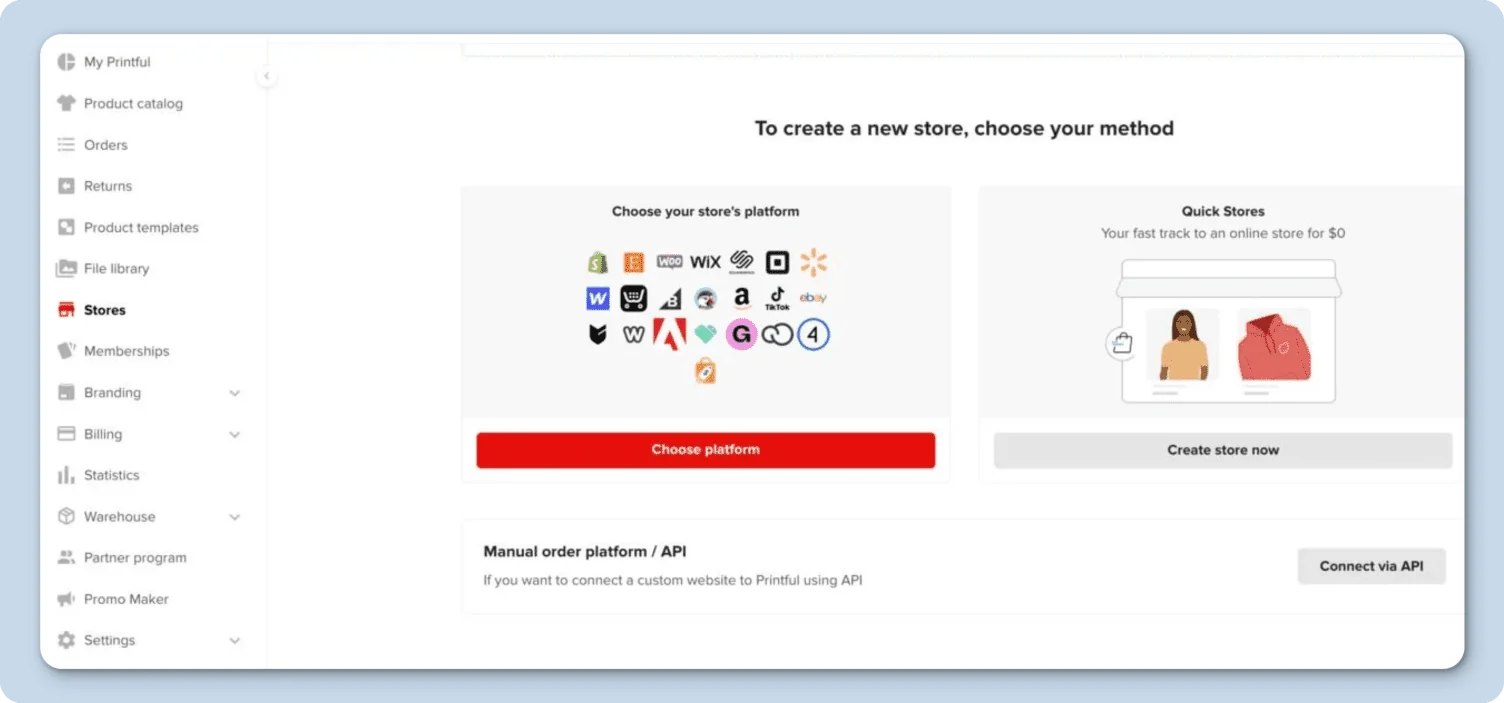
When using Quick stores, keep in mind that payouts only occur once a month. You need to connect it to a selling platform you already own or set up yourself — Shopify, Amazon, Etsy, Squarespace, or similar. Printful does not collect payments or manage your store; it simply fulfills orders once they come in. Their Quick Stores option allows selling without a separate platform, though functionality is limited and payouts occur only once a month.

Bonfire
Getting started on Bonfire is simple and easy. You’ll choose the merch items you wish to sell – from t-shirts, sweatshirts, and tote bags, to coffee mugs and aprons. Then, create or upload your design. If you don’t have a design ready to go, you can easily create one using the Design Tool, which features free clipart, text, and other design elements. You can also use free customizable Design Templates to help you get started.
Then proceed with the remaining steps to set your profit margins and customize your campaign pages. Once you have created all your custom products, load them into your store and share the link with your community. You can have your products set up and launched within minutes.
Pricing and Fees
Printful
Printful is completely free to set up and connect a store. However, once a sale is made, you’ll need to pay Printful for the printing and fulfillment of the order. This includes product and printing costs, shipping, taxes, and fees. You’ll receive payment through the customer’s order, paid through your storefront, and then you’ll pay Printful for the fulfillment. Printful also offers a paid option, which is called the Growth Plan. This is billed at $24.99/month. With this plan comes certain sample discounts, exclusive deals, and a larger printable area. If you hit a sales goal of $12,000, the Growth Plan is free for 12 months.
Bonfire
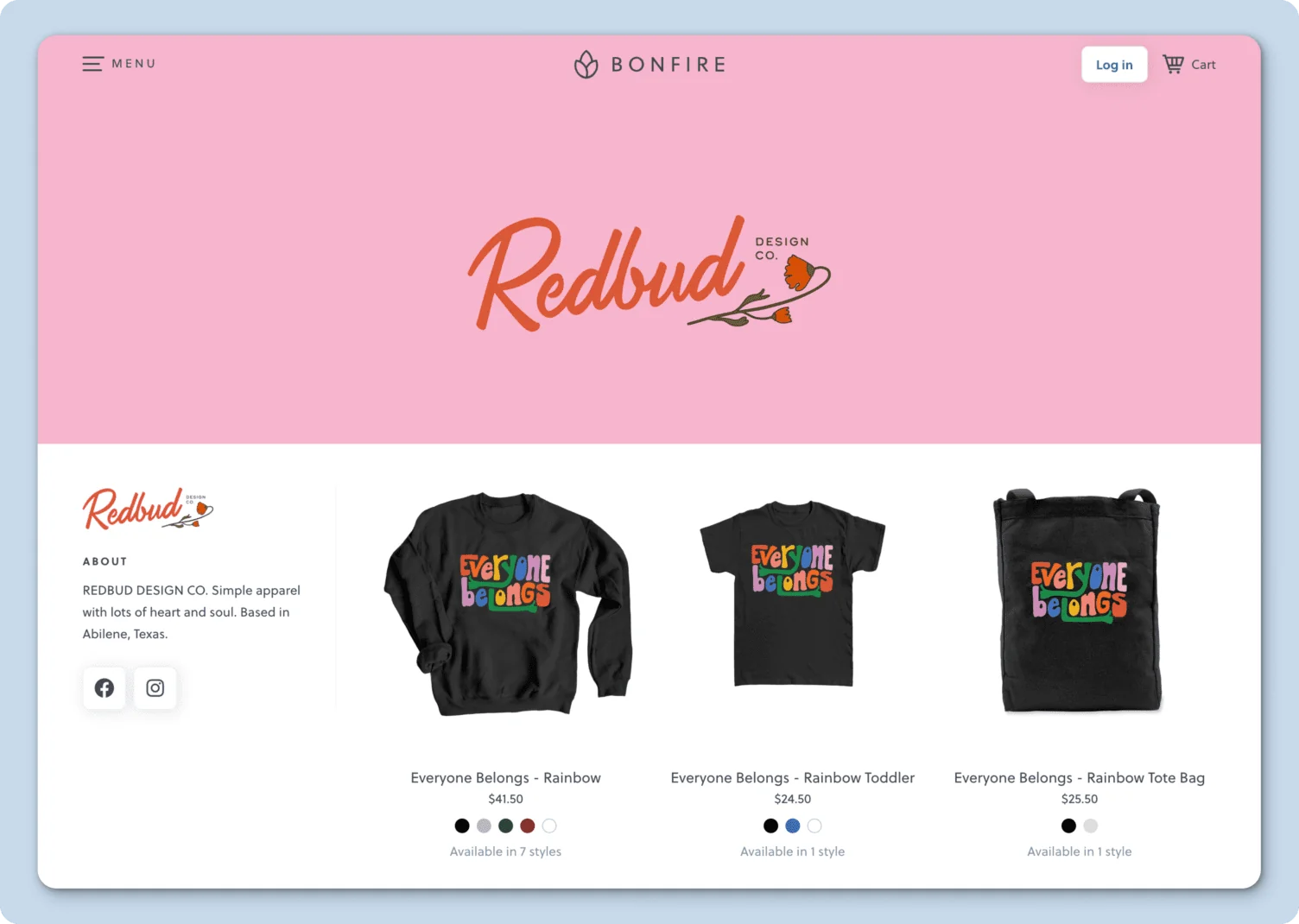
Bonfire is completely free to use and has no platform or service fees. There are no startup, monthly, or subscription costs to start selling or create a branded store. When you set up your merch listings on Bonfire, you’ll set your selling price. Your selling price minus the base cost is the profit you’ll receive from each sale. The base cost is automatically deducted, and the profit is sent via PayPal or Change, depending on your nonprofit status. If you collect additional donations in addition to product sales, each additional donation is subject to a 3-8% processing fee.
Design Tools
Both platforms offer a free design tool where customers can create their design via text and clipart. You can also upload your own design to view it on the product you’re selling.
With Bonfire’s Design Tool, you can select up to 9 products within the same product group to view your design on and place a custom order or start selling with a campaign. If you need some inspiration, Bonfire also offers pre-made Design Templates, which can be customized.
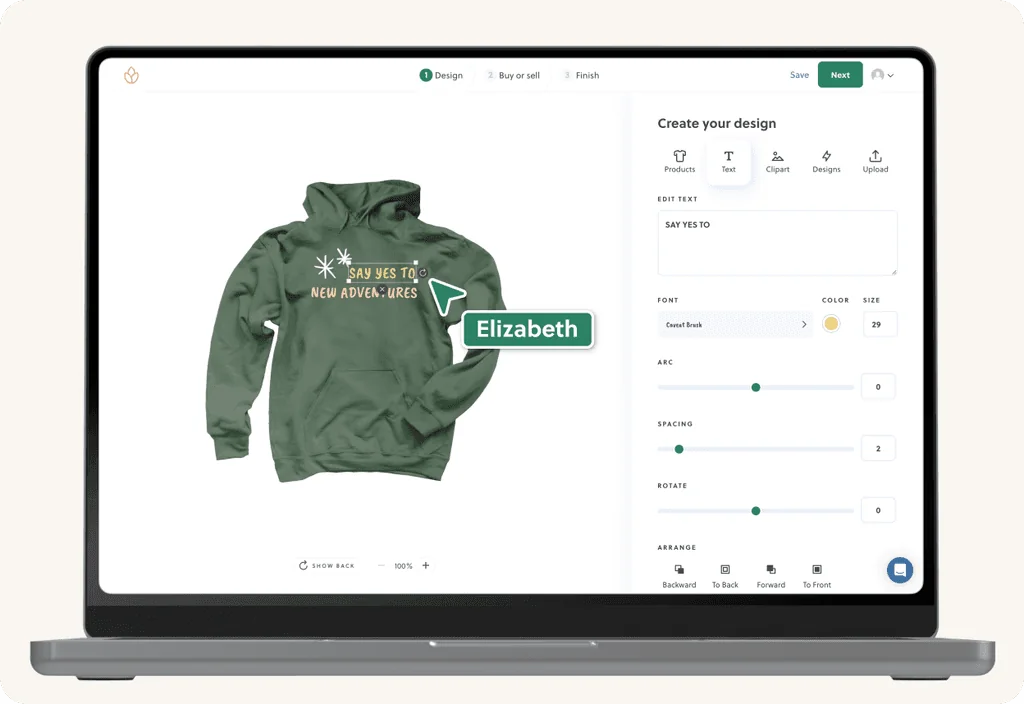
If you’re looking for expert design assistance, Bonfire offers a service called Bonfire Studio. With this option, you’ll work with the design team to create your very own custom design. With three packages available, Basic, Standard, and Premium, you’ll find a package to fit your design needs within your budget.
While Printful doesn’t offer a paid design option, they offer a discount code to hire a designer through Fiverr.
Fulfillment and Shipping
Printful
Printful has fulfillment centers around the world, which offer fast shipping to international addresses. Their typical fulfillment time is 2-5 business days, with shipping times varying depending on the destination and the availability of the product ordered. For orders shipping to an address in the United States, the estimated shipping time is 4-14 business days.
Bonfire
Bonfire partners with trusted and vetted print partners around the country to ensure the highest quality, no matter where your order is printed. Production times are typically under 7 business days, with domestic shipping times estimated between 7-14 business days.
Customer Support
Printful
Quality customer support is just as important as the design or print on your product. Nowadays, people are longing for that one-on-one care when they have a question or concern, and all too often, the support they receive lacks human touch.
Printful offers customer support through chat and a contact form. If a customer has an issue with their order, they’ll need to reach out to the seller. Once the seller is notified of the issue, they’ll reach out to Printful on behalf of the customer.
Returns are accepted within 30 days and will only be approved if the issue is determined to be at Printful’s fault. For lost orders due to an incorrect address or a size replacement, it is up to the seller’s discretion. If the seller would like to replace the order, they will need to place the order at their own expense.
Bonfire
With Bonfire’s dedicated customer support team, customers can reach out to Bonfire directly for any order issues, eliminating the need to work through the seller. As the seller, you can focus on building your brand without the need to handle order issues.
Returns can be made within 90 days of purchase, and include free replacements for sizing issues or lost in transit. Replacements and refunds come directly from Bonfire, so the seller’s profits won’t be affected. Support is available through messaging and email, with quick responses typically under 1 business day.
Which Platform Is Right for You?
When deciding which platform to go with, consider your merch needs and what you prioritize. Printful requires significantly more technical setup, ongoing store management, and piecing together multiple tools. Bonfire removes all of that friction entirely. With over a decade of experience, you can be confident when choosing Bonfire that you’ll receive quality products and prints, quick fulfillment, additional platform perks for nonprofits and creators, and a customer support team ready to assist you every step of the way.
Frequently Asked Questions
While you can download your Printful art files and upload them to Bonfire, past order data cannot migrate due to privacy rules. We recommend downloading your sales information from Printful before migrating your merch store over to Bonfire.
Both platforms offer a large eco-friendly collection that focuses on sustainable production and fabrication of products. Bonfire’s Earth Conscious Merch collection features certified sustainable apparel through partners like Stanley/Stella, Econscious, andAllmade, using organic cotton, recycled polyester, and TENCEL Modal — with GOTS, OEKO-TEX, and Fair Labor Association certifications.
Donations made through a verified nonprofit’s campaign generate automated receipts indicating the tax-deductible amount. You can use your Bonfire receipt to show the itemized amount of the donation in your order and present it to the organization to receive a donor receipt for tax deductions. Please keep in mind that the organization is not required to provide you with a donor receipt.
Bonfire issues replacements or refunds within 90 days and handles all customer communication, ensuring hassle-free service for organizers. Replacements and refunds come directly from Bonfire, so the seller’s profits won’t be affected.